Servant of the Lake Tools Hub
Interactive checklists that persist in your browser while you serve the Vanderbooms.
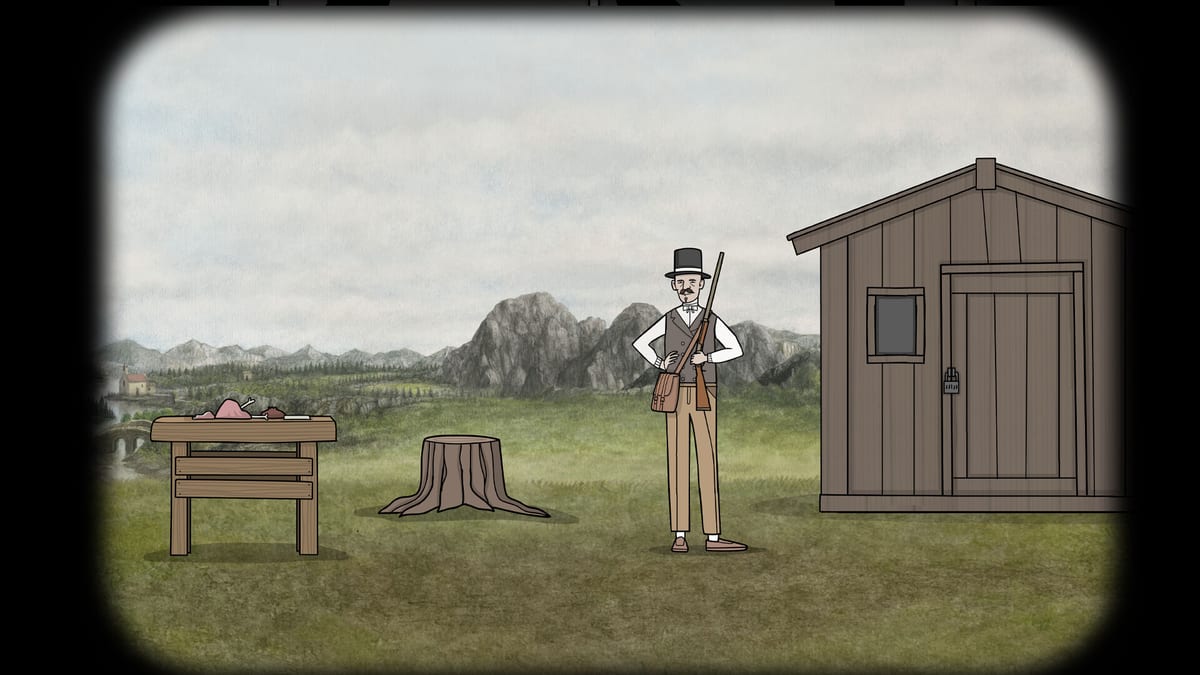
Rusty Lake puzzles demand attention to inventory order and timed routines—especially when Aldous refuses to move until every morning gate clears. The tools hub hosts browser-based helpers that save progress locally on your device without accounts or spoilers beyond what the Demo already teaches. Use them alongside text walkthroughs, not as replacements for reading clues in the game world.
Why interactive tools help
The Servant of the Lake Demo and Lite builds chain more than a dozen item interactions before the guest carriage arrives. It is easy to forget whether you cleaned blood after shaving, placed both slippers, or added berries after the bird key. Checklists reduce backtracking; item trackers show dependency chains when you wonder why the stove will not light or Aldous will not dress.
All tools store state in localStorage under keys documented on each page. Clearing site data resets progress—by design, so replays stay honest.
Tools in this section
Weekend chapter checklist
Eight lines for Friday, Saturday, Sunday, missable reminders, and Kate’s post-credits hunt. Saves as sotl-weekend.
Morning routine checklist
Tracks Aldous’s seven gate steps from curtains through guest carriage watch. Featured for Demo speedruns and second playthroughs. Pairs with the Demo walkthrough for context when a box will not tick.
Demo item tracker
Lists every major inventory object in the public slice—coach coin, iron bar, estate key, contract, kitchen goods, shaving items, bird key, berries, and clothing pieces—with notes on what unlocks what. Use when you know you picked something up but cannot remember where it belongs.
How to use tools with walkthroughs
- Open the relevant tool in a browser tab or phone browser while playing.
- Tick items as you complete steps in-game.
- If stuck, cross-reference the walkthrough hub—tools mark progress, walkthroughs explain clicks.
- Hit Reset checklist on-page when starting a fresh Demo run.
Tools never auto-advance story flags in the game itself—they are player-side memory aids only.
Privacy and offline use
No data leaves your browser. Progress keys (sotl-routine, sotl-items) live in localStorage tied to this wiki domain. Private browsing modes may discard ticks when you close the tab; use normal browsing for multi-session Demo attempts.
Who benefits most
- Completionists verifying 100% Demo steps including optional secrets.
- Streamers who want visible progress without on-screen notes.
- Mobile Lite players alt-tabbing between game and browser.
- Returning Rusty Lake fans speed-running the opening for lore refreshes before August 13, 2026.
After full release
When the premium game launches, this hub will expand with weekend-scale trackers if Rusty Lake adds multi-day inventory complexity. Until then, tools cover the confirmed Demo/Lite scope documented in the Demo walkthrough.
Related pages
- Demo review — Decide if tools worth using after one blind run.
- Lore hub — Story context while you tick boxes.
- Timeline — Where morning gates sit in the 1839 weekend frame.
Frequently Asked Questions
Quick answers to the most common questions.
Do tools require an account or login?
No. Progress saves in your browser localStorage only. Reset clears data on that device.
Which tool tracks Aldous morning gates?
The morning routine checklist covers curtains, slippers, shave, porridge, exercise, dress, and carriage watch steps.
Which tool lists inventory items?
The Demo item tracker covers coach items, kitchen chain, shaving objects, bird key, berries, and clothing pieces.
Do tools work on mobile Lite while playing?
Yes in a mobile browser tab alongside the game. localStorage persists between visits unless you clear site data.
Will tools spoil the full premium game?
They only list Demo-confirmed steps and items. Full-game trackers will be added after verified launch content exists.
Weekend checklist
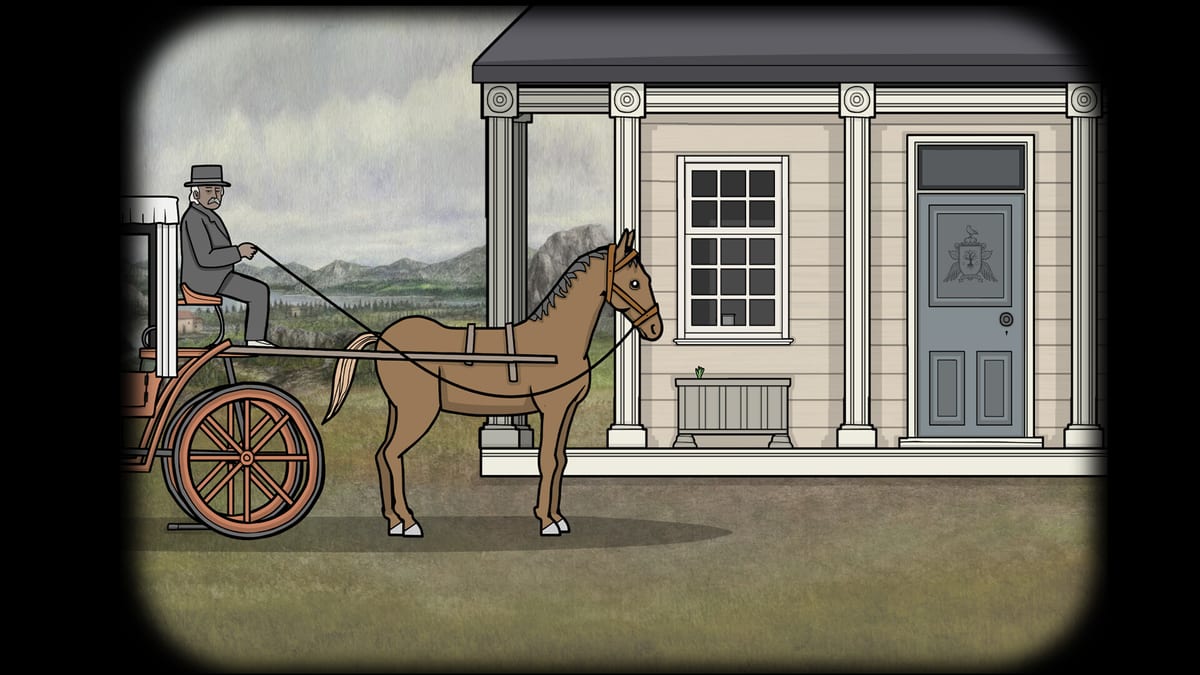
Interactive Servant of the Lake weekend checklist: tick Friday–Sunday chapters plus Kate's secret hunt, saved in your browser.
Routine checklist
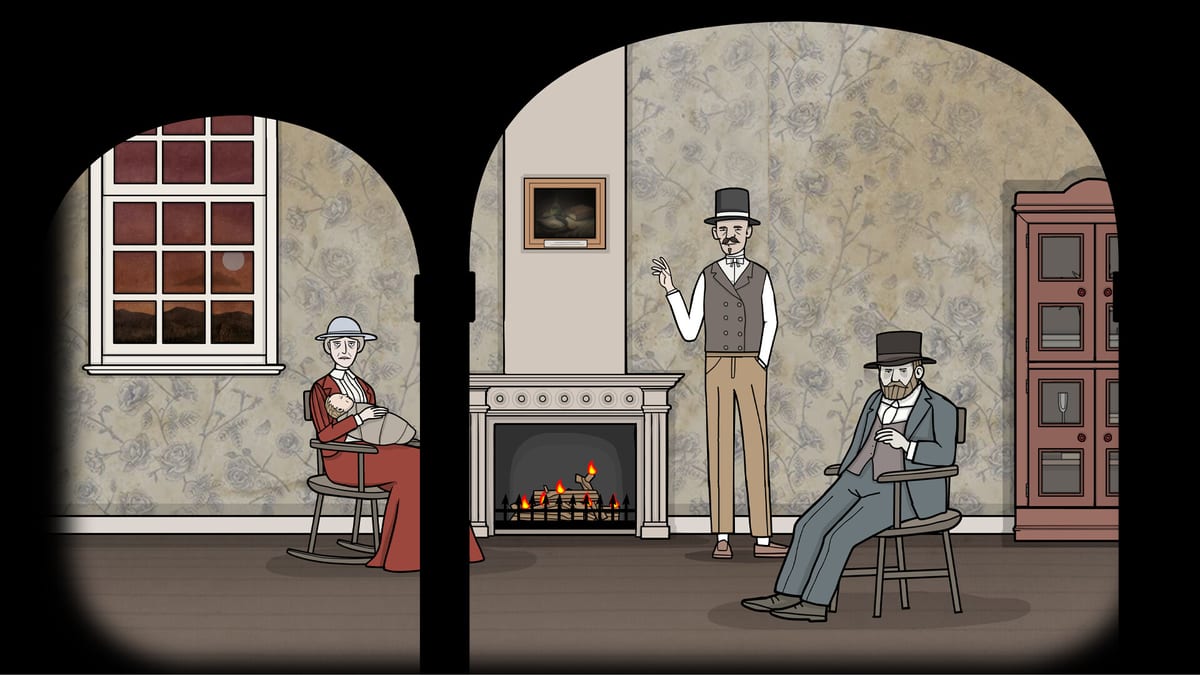
Interactive Servant of the Lake morning routine checklist: tick Aldous gates from wake at 7:00 through guest carriage—saved in your browser.
Item tracker
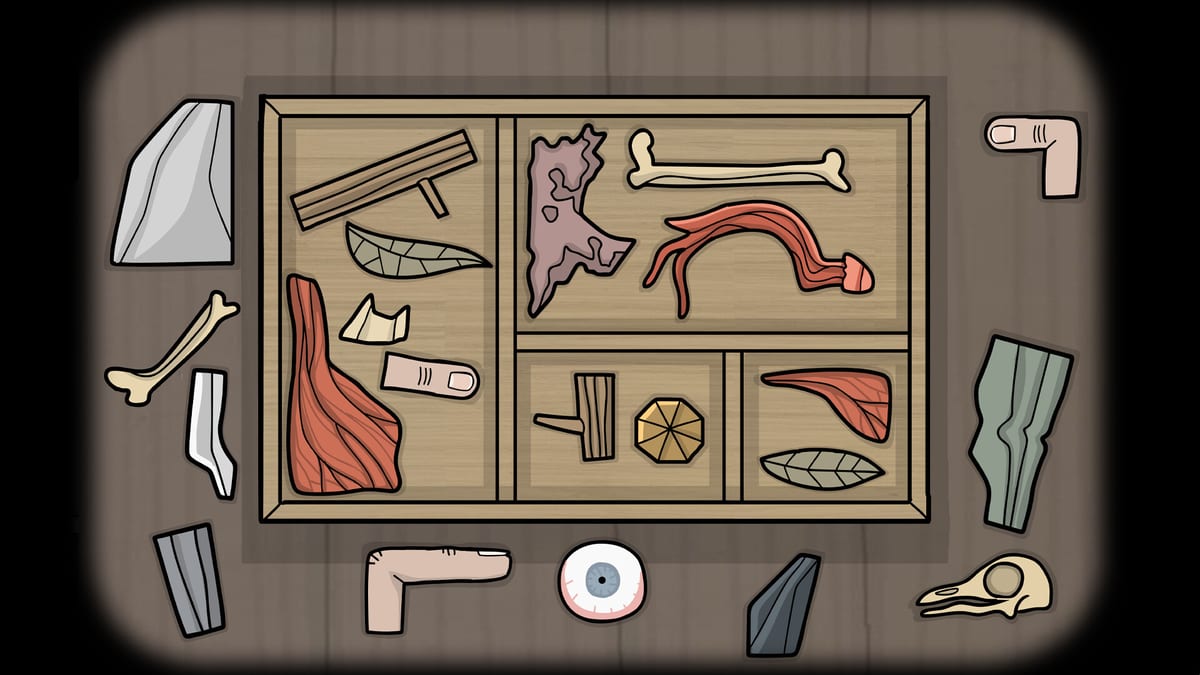
Servant of the Lake Demo item tracker: coach coin, estate key, porridge chain, bird key, berries—checklist with dependency notes.
Guides
Servant of the Lake guides hub: 49 achievements, Kate's brother, notebook replay, how to buy, Demo download, and 728.
Walkthrough
Servant of the Lake walkthrough hub: Day 1–3 routes, Demo and Lite openers, codes, attic and cellar maps, and weekend tools.
Puzzles
Servant of the Lake puzzle solutions: full-game codes 243–6294, Demo 235 and 728, porridge, insect berries, and portrait logic.