Servant of the Lake Notebook Guide
How the new notebook keeps chores, clues, and achievements visible while you serve.
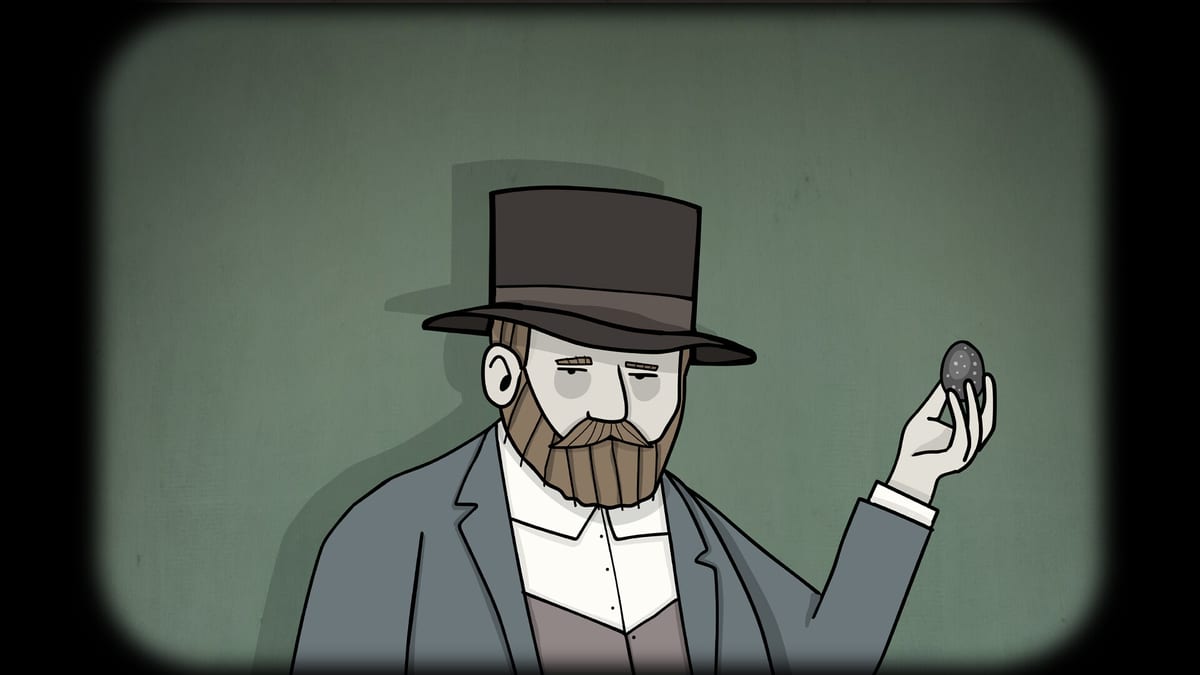
Rusty Lake’s launch build of Servant of the Lake adds a proper notebook—called out in the final pre-release Q&A as part of Cedre’s UX/UI overhaul. If you played only the free Demo or Lite, you may be used to holding every chore in your head. The premium weekend is longer (~4–5 hours main story) and denser with optional hunts, so the notebook is not flavor UI. It is the difference between calm backtracking and softlock panic.
This guide explains when to open it, what to record mentally even if the page is terse, and how it pairs with achievements—without dumping premium puzzle spoilers.
Why the notebook exists
Classic Rusty Lake adventures hide progress in environmental tells: a note on a dresser, a portrait tick, a half-finished kitchen chain. Across a short Demo morning that works. Across a full Vanderboom gathering with visitors, experiments, and laundry that turns surreal, memory alone fails. The notebook externalizes:
- Active servant duties assigned by family members
- Clue fragments you are meant to revisit later
- Achievement-adjacent reminders so completionists do not miss optional beats
Rusty Lake staff explicitly told players to open the notebook from time to time while hunting 40+ achievements. Treat that as design intent, not optional lore text.
Habits that transfer from the Demo
Even before the premium notebook, good servants already practiced notebook thinking:
- Read every physical note twice — The Aldous morning note (curtains, 7:00, shave, breakfast, exercise, dress, cold feet) is a state machine. The in-game notebook extends that habit to later days.
- Revisit rooms after dialogue — New lines often unlock inventory uses. Log which character last spoke if the notebook summary is short.
- Separate chores from secrets — The Demo easter egg (code 728) is optional. Keep optional chains mentally tagged so you do not block a required breakfast gate.
Use the morning routine checklist alongside the notebook when Demo-overlapping gates return.
When to open the notebook
Open it at these moments, every time:
- After signing or updating any contract-like obligation
- When a family member finishes a voiced instruction
- Before leaving a room you just solved a multi-step puzzle in
- Whenever an achievement toast appears or you suspect you skipped an optional interaction
- When you feel “stuck” for more than two full estate loops—check duties before brute-forcing clicks
If the notebook lists a chore you thought finished, trust the list: something in the dependency chain is still open (item not delivered, animation not completed, character not fully dressed, etc.).
Notebook versus walkthrough pages
| Need | Tool |
|---|---|
| Remember what Aldous still wants this morning | Notebook + Aldous morning |
| Exact Demo code or porridge order | Puzzles hub |
| Full Demo route narration | Demo walkthrough |
| Launch systems and spoiler policy | Full game launch |
| Achievement categories without unlock dumps | Achievements overview |
The notebook will not replace a walkthrough when you are missing a visual tell. It will tell you which obligation is still live so you search the right wing of the estate map.
Pairing with achievements
Achievements in Servant of the Lake are designed as a parallel hunt. Opening the notebook regularly prevents the classic failure mode: finishing the Sunday dinner beat, then realizing you skipped three optional servant flourishes hours earlier. Read the achievements overview for category framing, then let the notebook flag incomplete threads while you still have room access.
Accessibility and UX notes
The notebook is part of a broader UX pass that also aimed to clarify inventory and navigation versus older Adobe AIR-era Cube Escape episodes. If menus feel different from the Demo, that is intentional. Check troubleshooting if a UI element seems unresponsive after a patch, and system requirements if performance hitching makes text hard to read on Steam Deck or older phones.
Spoiler-safe practice run
Before diving deep into premium wings:
- Finish or re-skim the Demo with notebook-like note taking on paper if you want muscle memory.
- Buy via how to buy and launch a fresh premium save.
- Open the notebook immediately after the first chore assignment.
- Keep how to play open for examine/combine refresher.
- Only open spoiler walkthroughs for Demo-confirmed steps until this wiki publishes verified post-Demo chapters.
Common mistakes
- Ignoring the notebook until hour three — By then optional chains may be gated behind earlier rooms.
- Treating every notebook line as a puzzle code — Some lines are duty reminders, not numeric safes.
- Closing the game mid-chore without checking — Reload and re-open the notebook before exploring new wings.
- Confusing Lite UI with premium UI — Lite is a preview; premium notebook depth may exceed what Lite showed.
Unofficial note
Exact notebook page layouts can shift with patches. This fan wiki describes the habit Rusty Lake asked for. If a hotfix renames tabs, follow the in-game labels and Steam news over our screenshots.
Frequently Asked Questions
Quick answers to the most common questions.
Is the notebook in the free Demo?
The full notebook system is highlighted for the premium launch UX. Treat Demo notes and the morning routine paper as the preview habit; open the premium notebook constantly in the full game.
Does the notebook spoil puzzles?
It tracks duties and reminders. It should not print full solutions. Use puzzle pages only when you still cannot find the environmental tell.
How often should I open it?
After every major dialogue and whenever you feel stuck for more than two estate loops.
Does it track achievements?
Rusty Lake tells players to check the notebook while hunting 40+ achievements. Use it with our achievements overview for category context.
What if a chore stays listed after I think I finished?
Something in the chain is incomplete—item delivery, animation, or character state. Revisit the related room with the estate map before looking up spoilers.
Guides
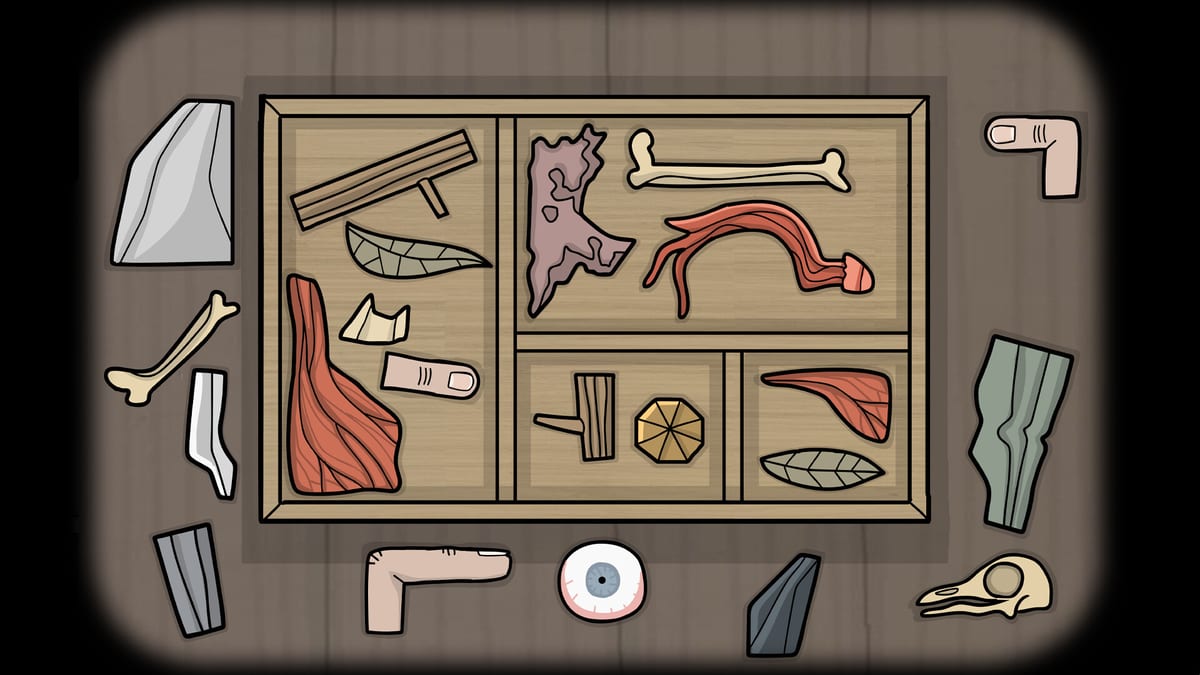
Servant of the Lake guides hub: 49 achievements, Kate's brother, notebook replay, how to buy, Demo download, and 728.
Achievements
Servant of the Lake 49 Steam achievements: missable Day 1–3 trophies, story chapters, and You've Found Him after credits.
Kate's brother
You've Found Him walkthrough: Kate's letters, clock 4:05, bath tiles, RRRLRLRRL, attic stars, cellar bottles, and code 6294.
How to buy
Buy Servant of the Lake out now: Steam ~$7.99 with intro discount, mobile ~$4.99, itch follow, Demo vs premium, and launch checklist.
How to play
How to play Servant of the Lake: point-and-click controls, inventory habits, examine tips, and Rusty Lake observation patterns for the Demo.
Get the Demo
Download Servant of the Lake Demo and Lite: Steam PC demo, mobile Lite, itch.io options, platforms, and which build matches our walkthrough.